
Trusted by the best



Features of the Comply Bundle
Compare All Of Our Bundles
Four levels of protection – one powerful platform
Features
MX & ICES Email Threat Protection
Secure
Protect
Comply
Complete
Features
Backup & Recovery for Microsoft 365 and Entra ID
Secure
Protect
Comply
Complete
Features
Email Archiving
Secure
Protect
Comply
Complete
Features
AI-powered DNS Filtering
Secure
Protect
Comply
Complete
Features
Security Awareness Training
Secure
Protect
Comply
Complete
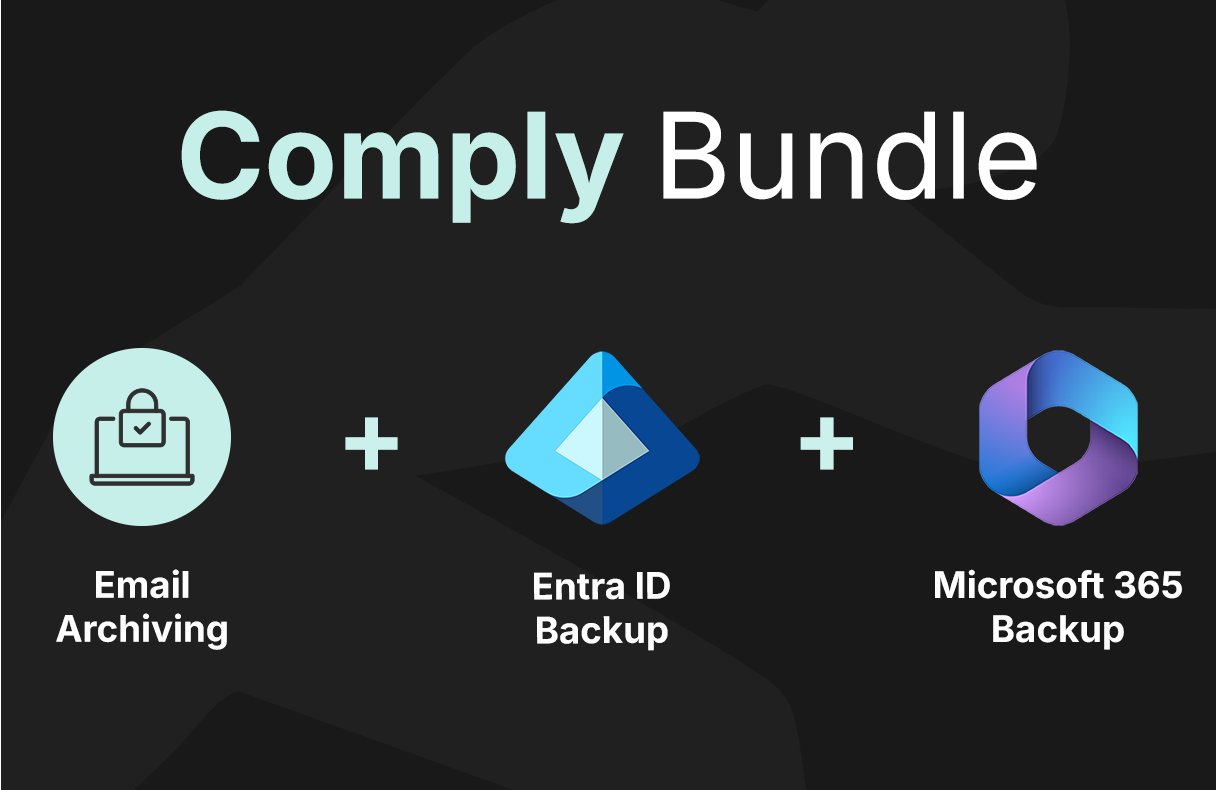
Comply Bundle includes :
Email Archiving
Automated email archiving with rapid search; emails can be retrieved instantly. Multiple searches can be performed simultaneously.
Lightening Fast Search & Retrieval
Handles over 200 emails per second from the server.
Compliant Archiving Solution
Offers secure right-to-be-forgotten functionality to comply with HIPAA, SOX, SEC, FINRA, and GDPR regulations.

Maximize Value with a pre-built TitanHQ Plan
Select the bundle that best suits your needs and request a demo with our sales team.

Comply Bundle includes:
Microsoft 365 Backup & Recovery
Immutable, off-site backups for Exchange, OneDrive, SharePoint, Teams, and OneNote with unlimited retention.
Full Microsoft 365 protection
Get full-suite protection for Exchange, SharePoint, OneDrive, Teams, and OneNote.
Unlimited Retention
Recover data whenever you need it – cover your retention needs, with no extra cost.
Automated Back Ups
Easily configure to automatically back up new accounts added to your Microsoft 365 estate.
Comply Bundle includes
Entra ID Backup & Recovery
Immutable, ransomware-resistant backup for Microsoft Entra ID with effortless recovery. Protection for users, groups, roles, and policies, ensuring resilience against misconfigurations and accidental deletions.
Granular Recovery
Restore individual user accounts, specific permissions, or entire configurations almost instantly.
Recovery Critical Settings
Back up roles and access settings so you can restore critical data after misconfigurations, insider threats, and simple admin errors.
Automated Tracking
Built-in change tracking lets you spot configuration changes over time to identify and fix issues before they disrupt operations.

Did You Know?
identity threats Microsoft deals with per second
increase in daily cyber threats targeting Microsoft 365
In Q2 2025, average ransom payments soared to $1.13 million (median: $400,000)
ransomware is now involved in 44% of all data breaches
Frequently Asked Questions (FAQs)
Unlike Microsoft’s 30-day retention period, Redstor provides unlimited retention. So you can recover whenever you need to
No. Microsoft ensures uptime but doesn’t provide full backups. Its data retention policies are limited (30-90 days), and even Microsoft recommends third-party backup solutions.
With InstantData™, your team can continue working on important files while full restoration is completed in the background.
Yes. TitanHQ malware detection scans backups to prevent reinfection, so you’re never restoring compromised files.
TitanHQ email archiving employs advanced technology to ensure lightning-fast email search speeds. This means that users can quickly navigate through emails in the cloud-based archive, improving overall time efficiency.
Yes, TitanHQ email archiving is designed to meet legal compliance obligations, including GDPR, Sarbanes-Oxley, HIPAA, and eDiscovery. It enables businesses to access customer data in the cloud-based email archive instantly and effectively when required.
TitanHQ email archiving can significantly reduce the load on mail servers, often resulting in a reduction from 1,000 GBs to 200 GBs, saving up to 75% of email storage space.
Get Free MSP Demo
